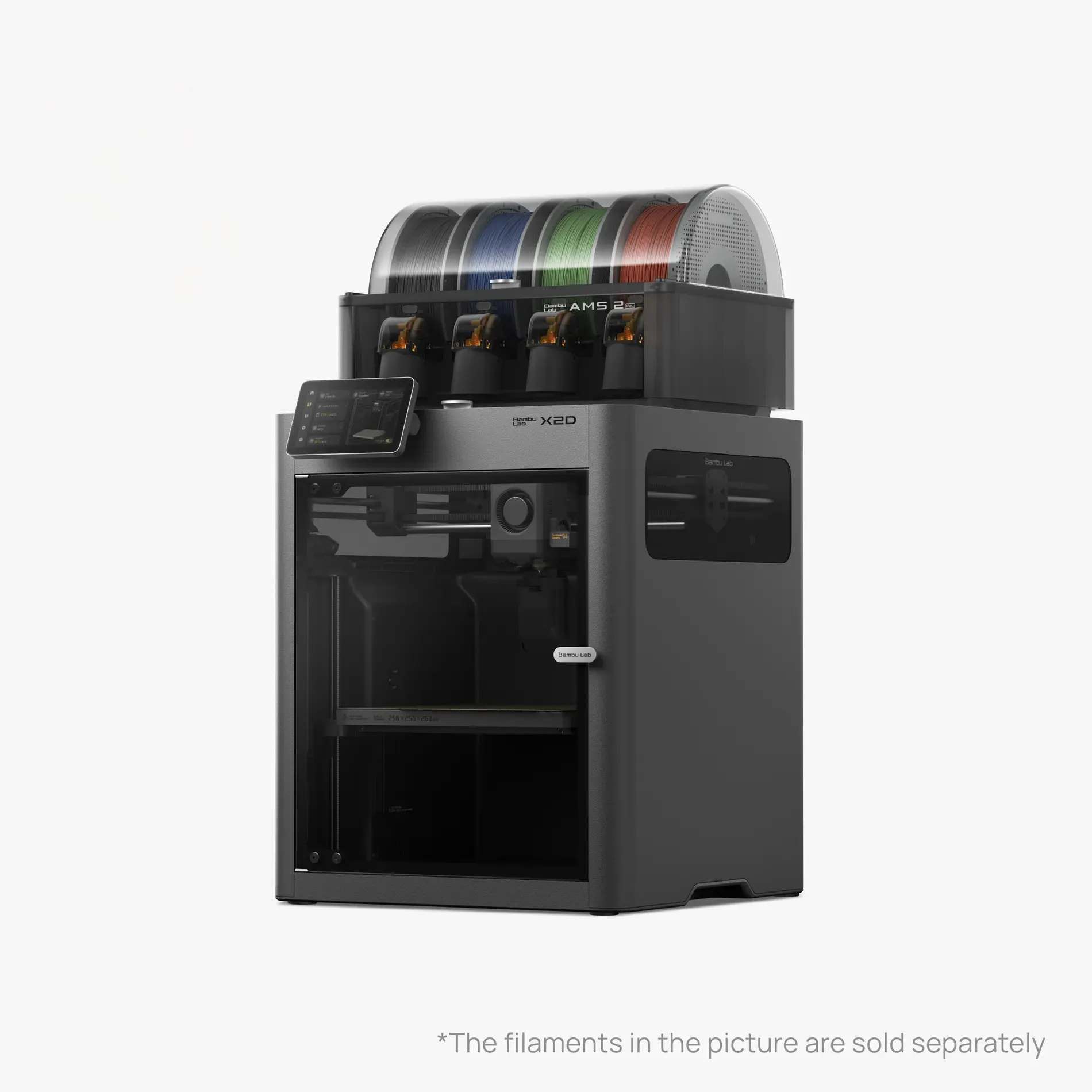
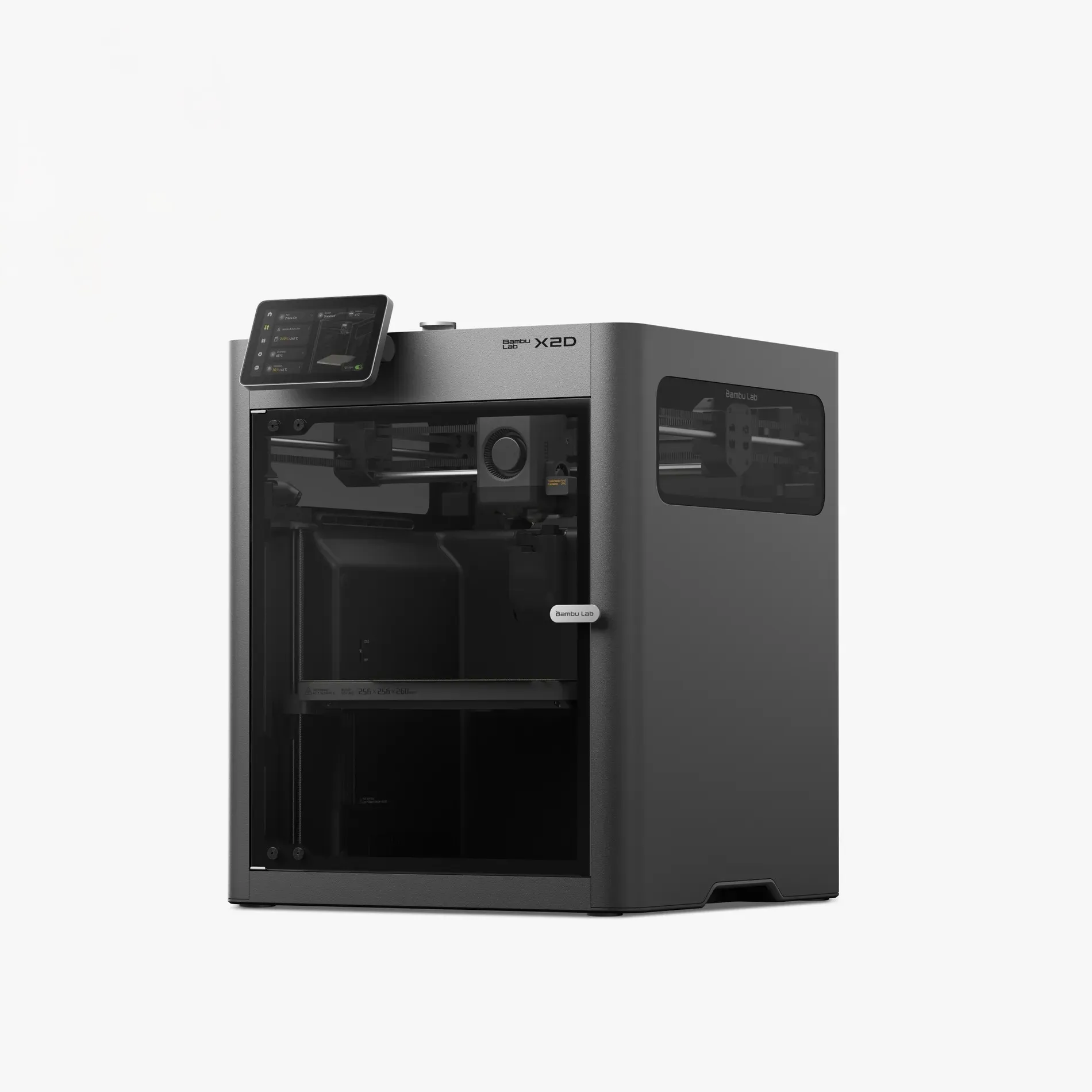
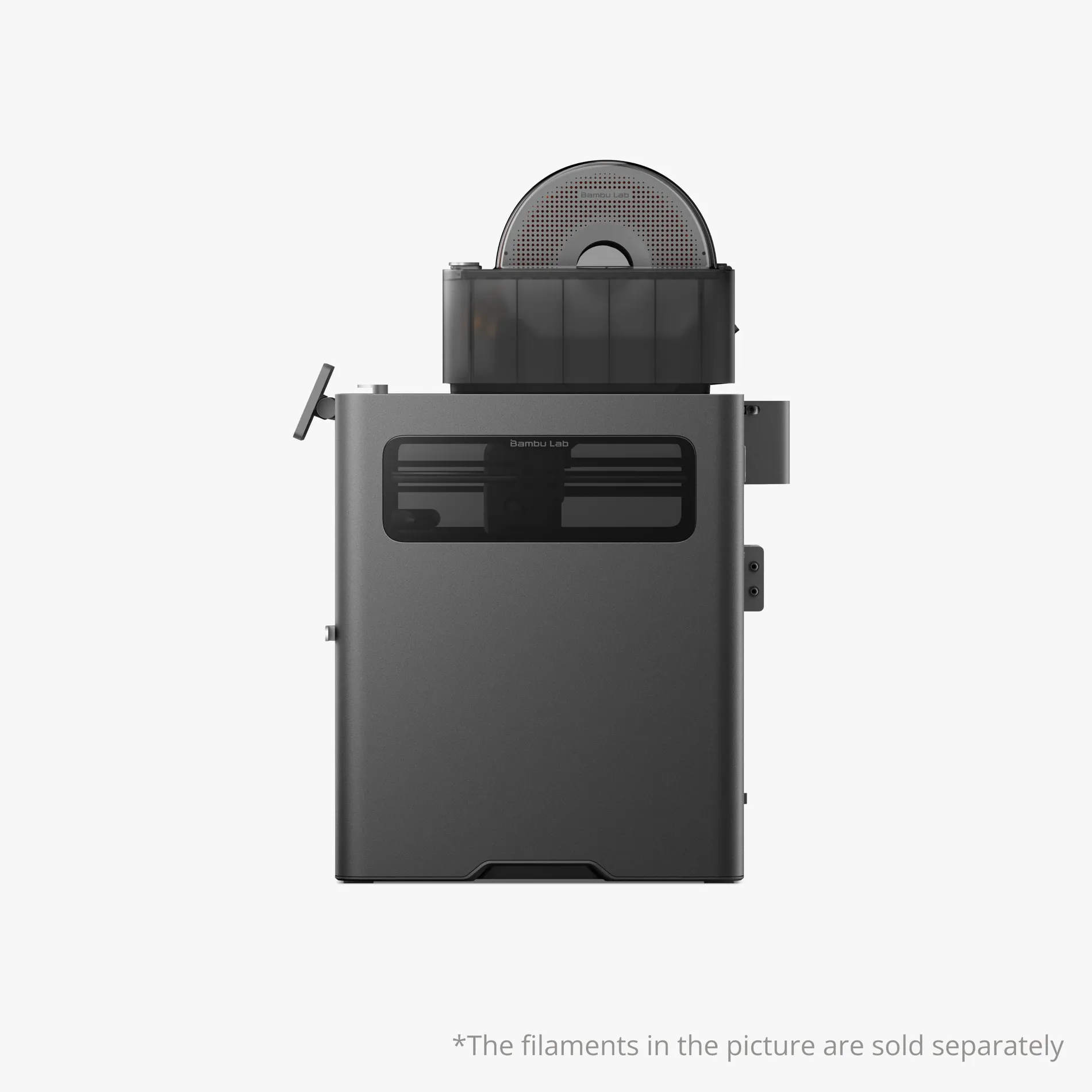
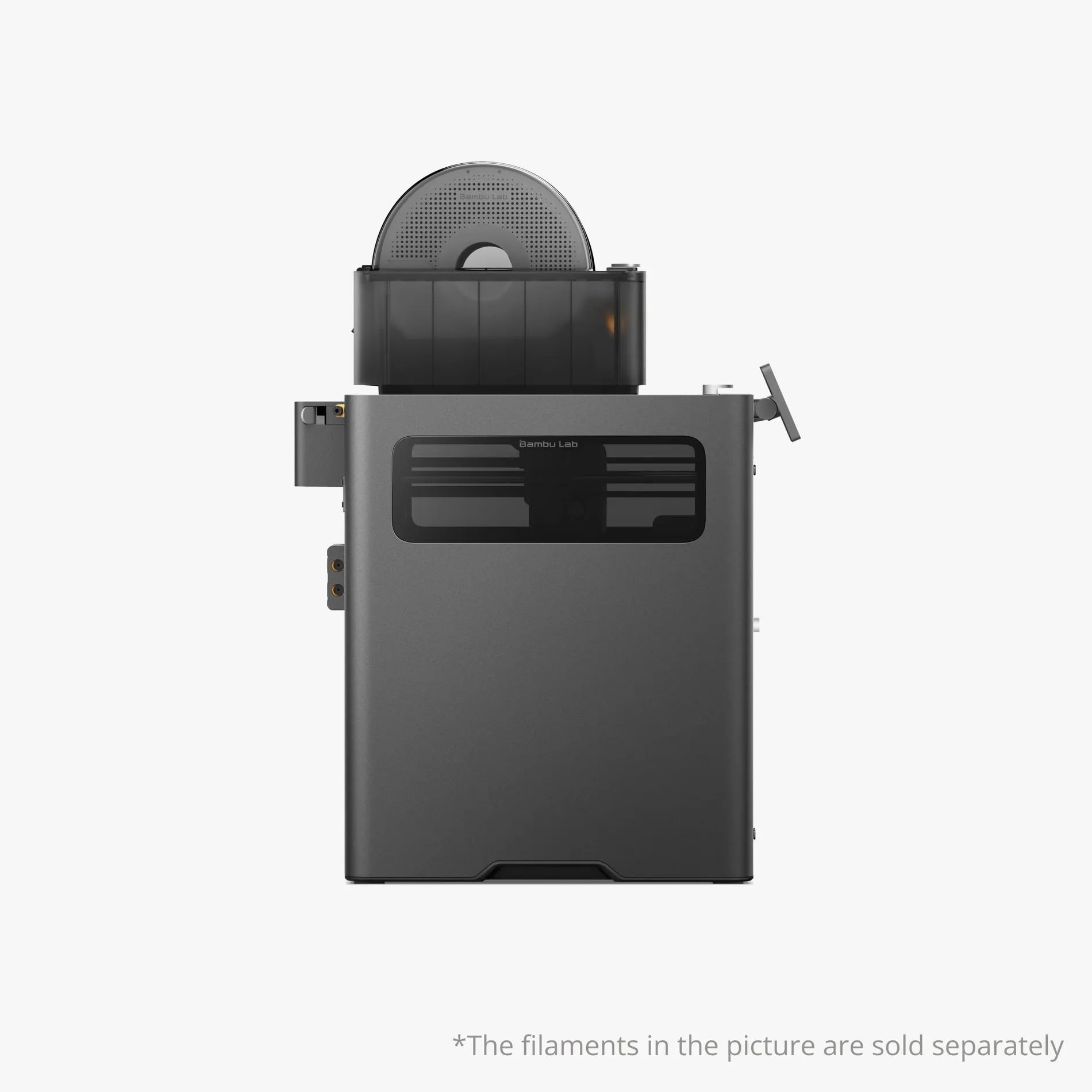
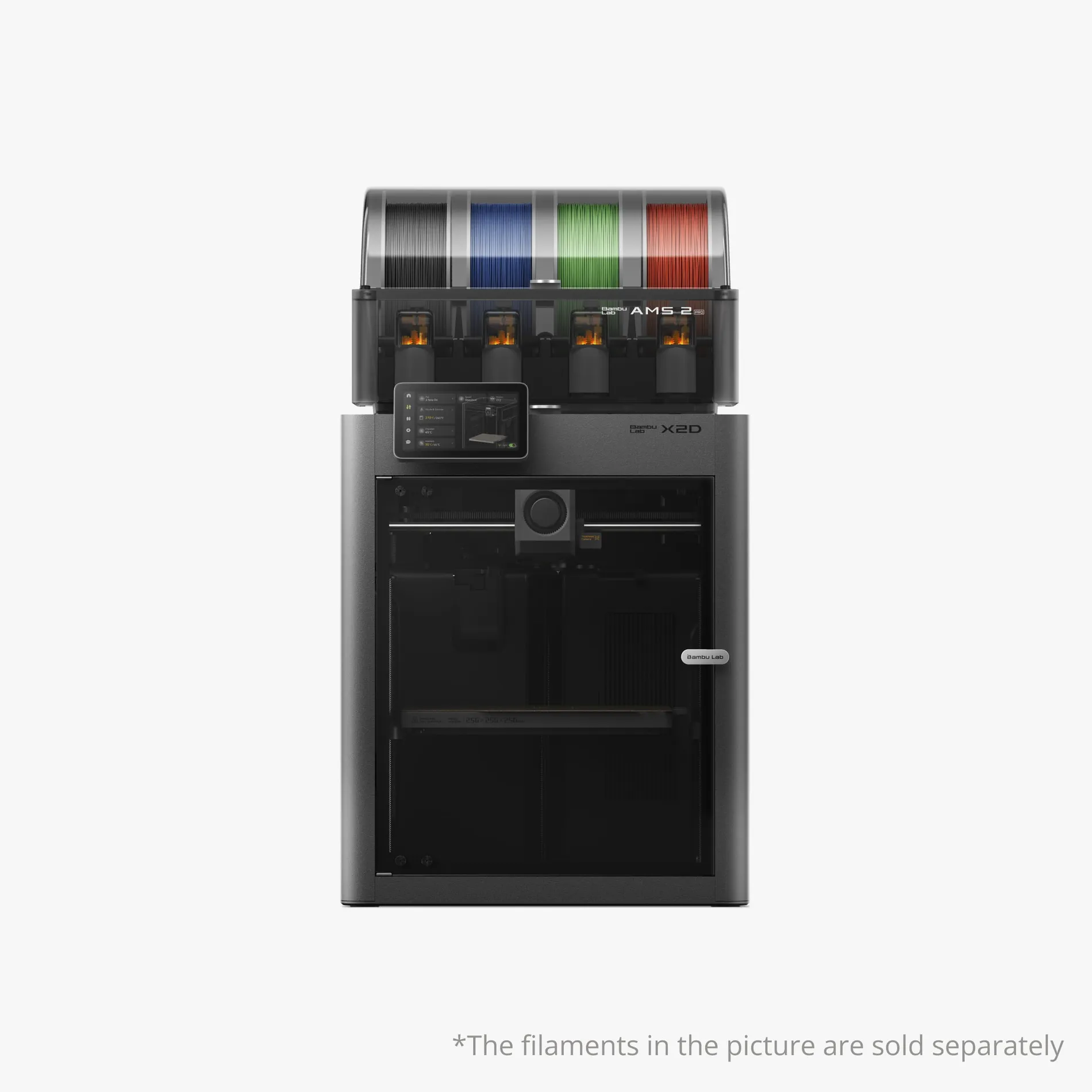
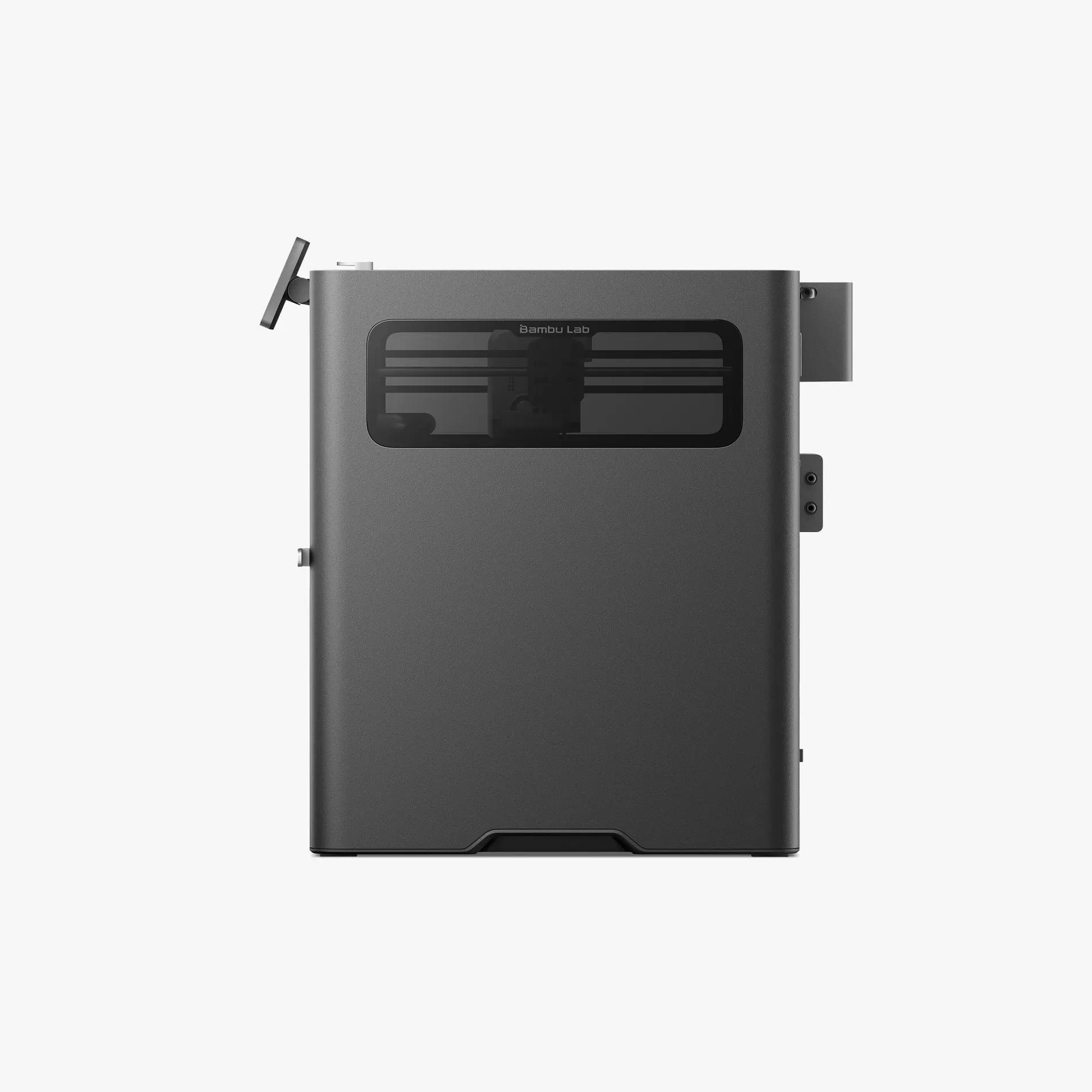
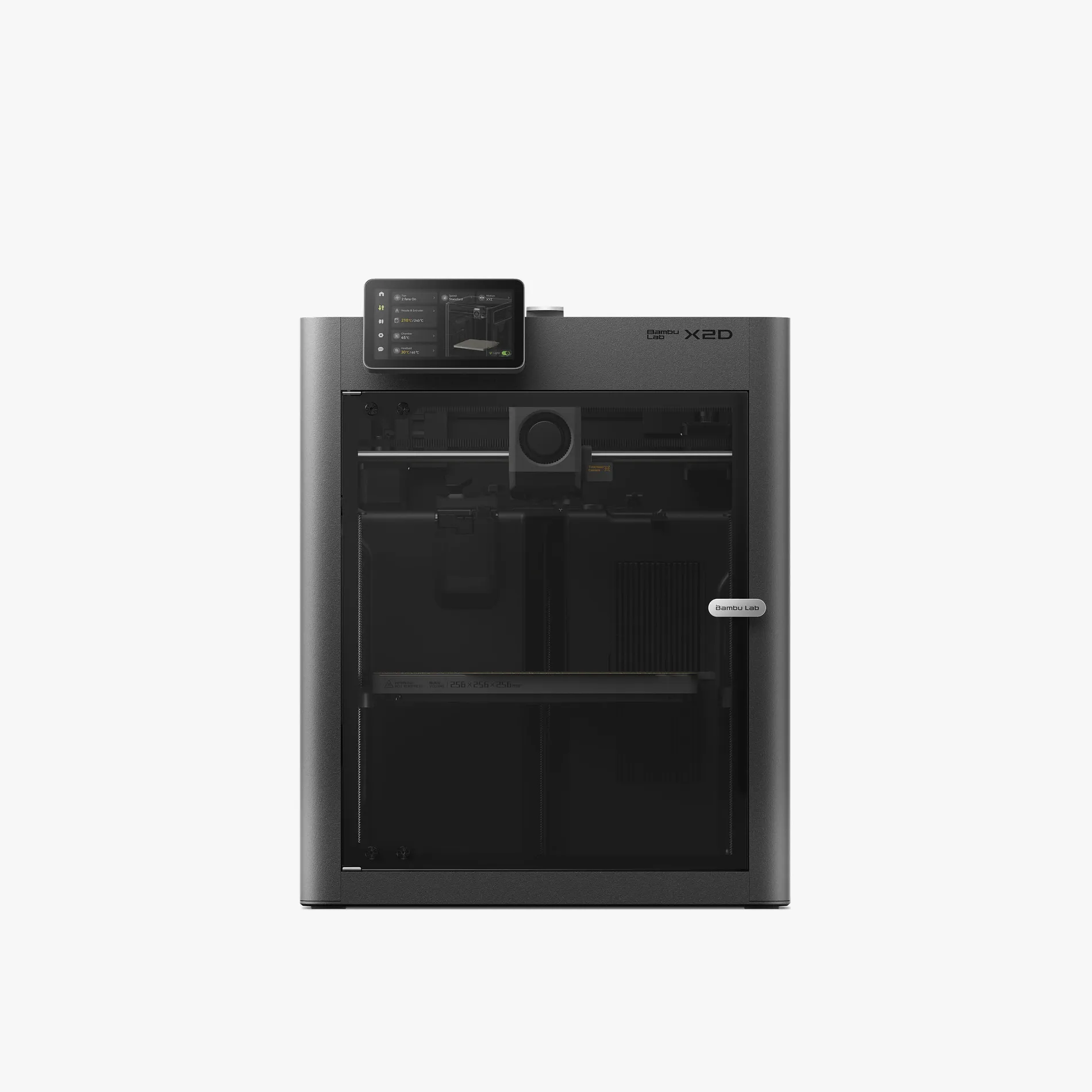
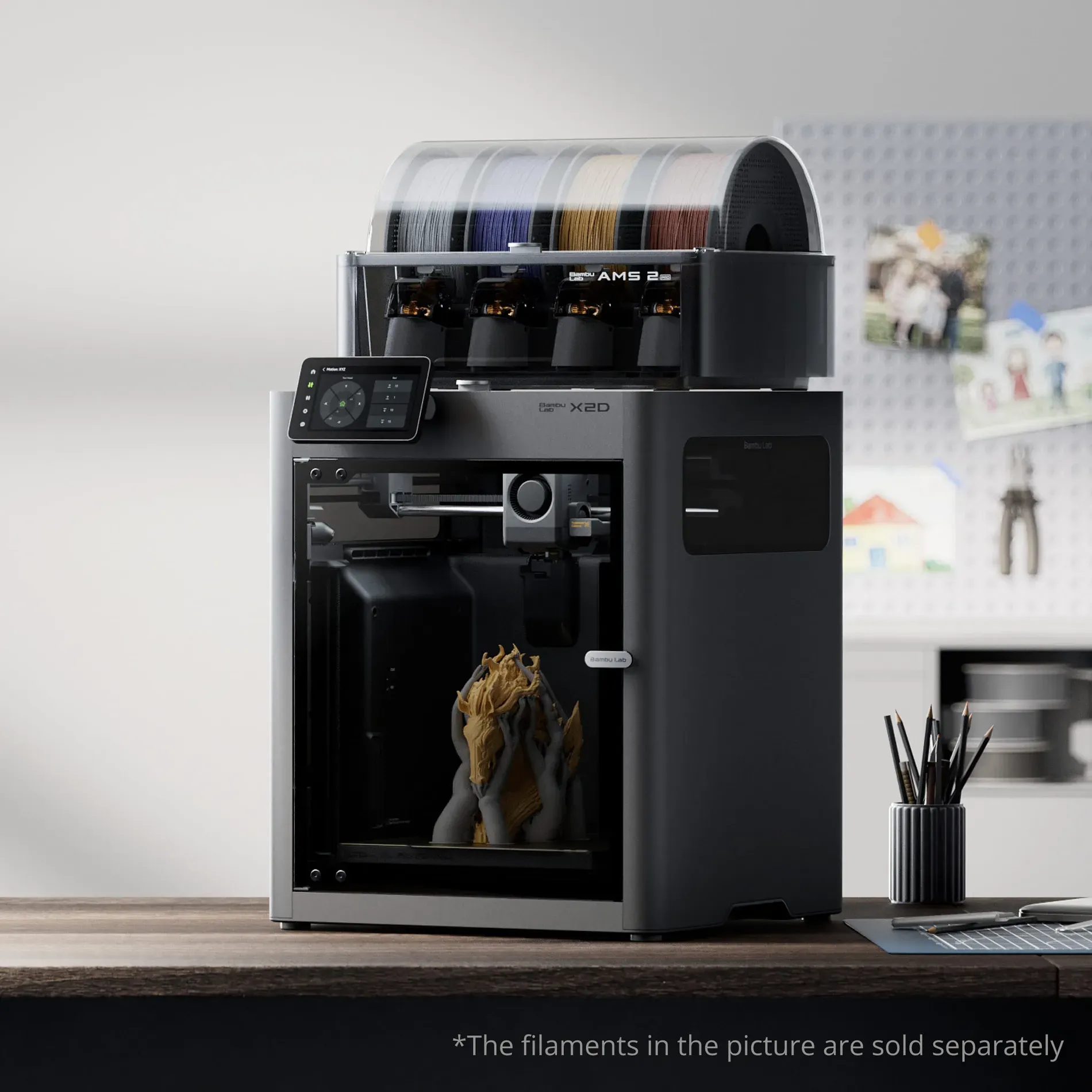
Bambu Lab X2D 3D Printer

Product Features
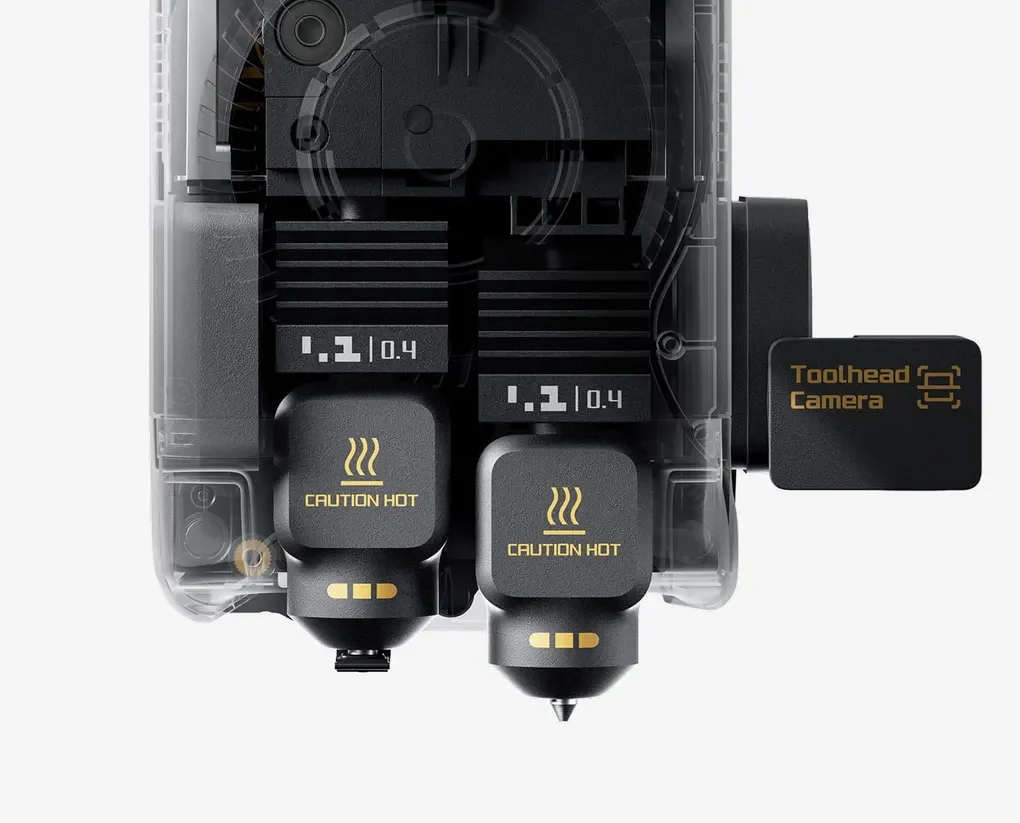
  • Dual-Nozzle 3D Printing
  • Automatic leveling, Filament Run-out & Power Loss Recovery.
  • Faster Multi-Color Printing & Cleaner Support Removal
  • 300 °C Nozzle & 65 °C Active Chamber Heating
  • Closed-Loop Servo Motor Extruder
  • Full Filament Path AI Detection
  • 256 × 256 × 260 mm³ Print Volume 
  • To connect more than two AMS (including AMS 2 Pro, AMS HT), a 4-in-1 PTFE Adapter (FAZ013-N) is needed.

Price range: $5,899.00 through $8,799.00

Bambu Lab X2D

Xcellence made simple

Why Choose Bambu Lab X2D

Dual nozzle

Multi-material made simple.

Servo Extruder

Smooth surfaces at full speed.

Dual-intake cooling

Crisp details.

Active heating.

Stronger parts.

Adaptive Calibration.

Lasting precision

AI Monitoring

Your built-in backup.

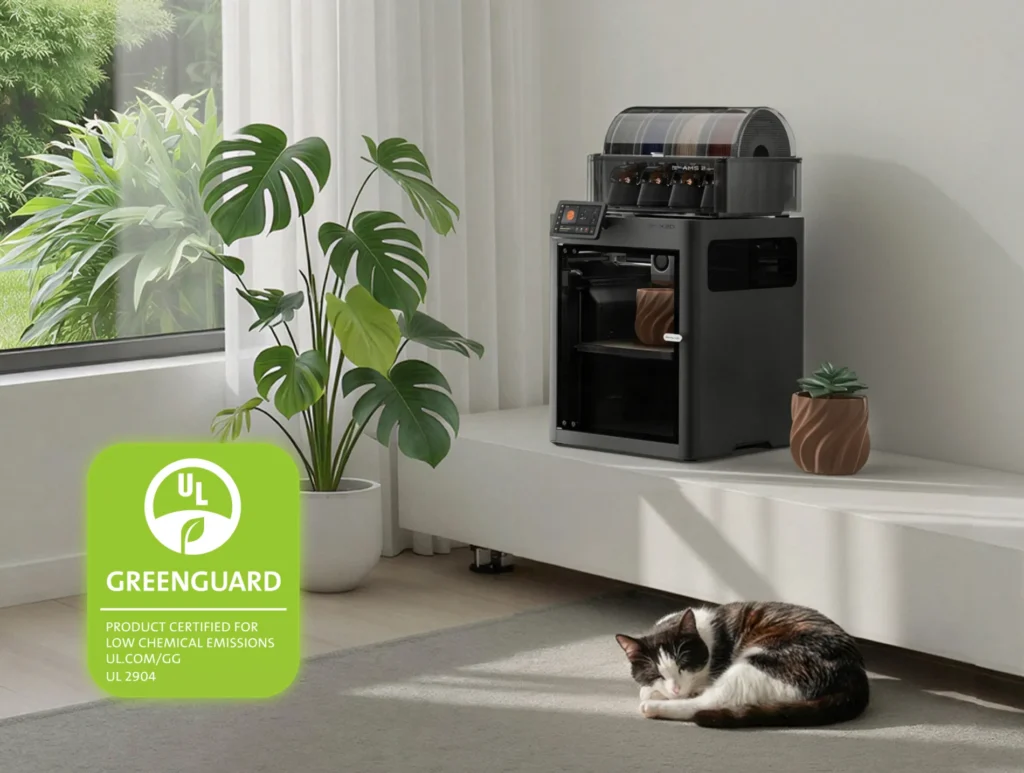
Certified Emissions

Designed for your home.

Dual Nozzle System.

Stop overthinking with support - start peeling it off clean.

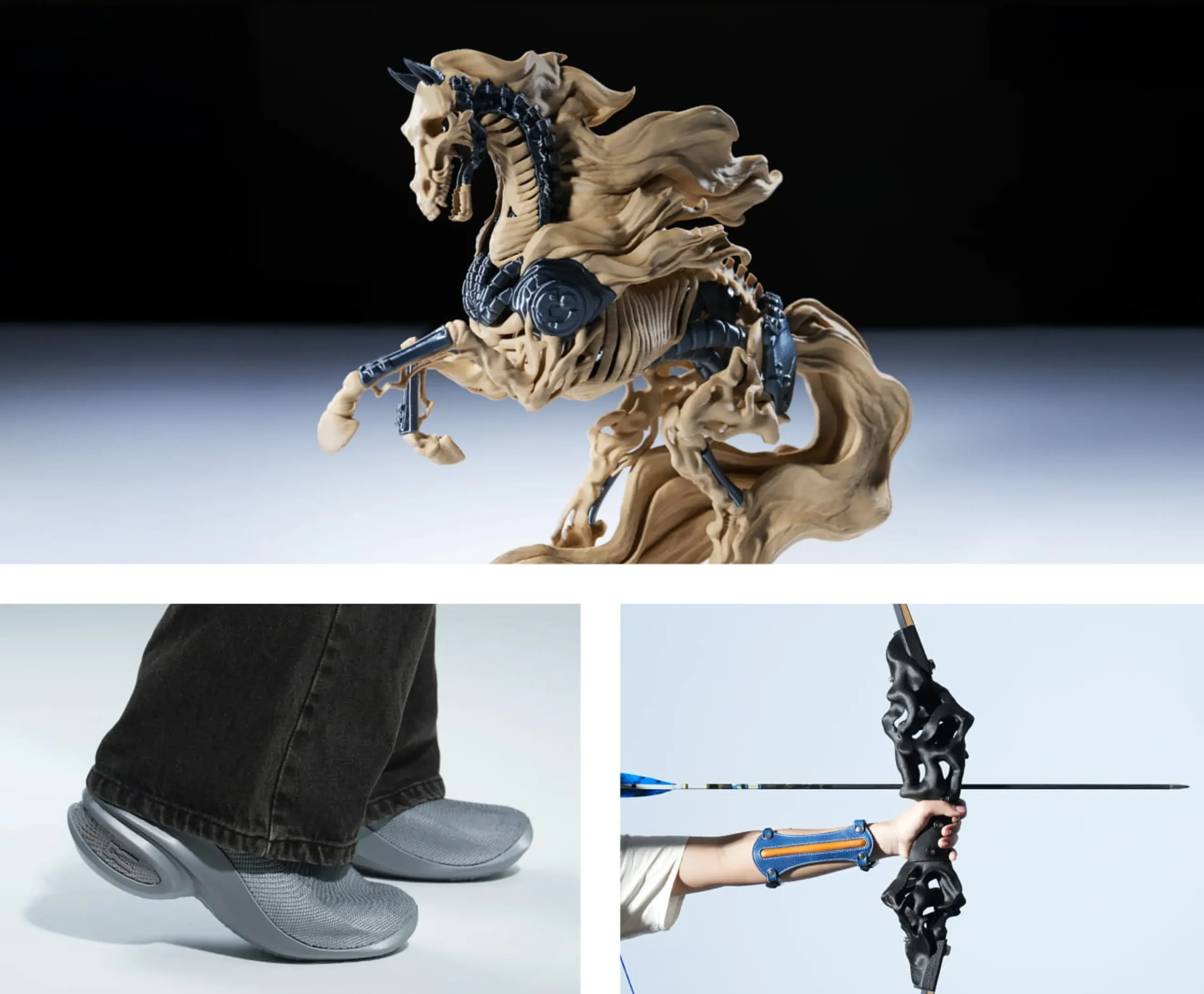
The main nozzle prints the part. The auxiliary nozzle handles the support¹. X2D hands all the messy support work to a helper nozzle with its own material. Wrap steep overhangs, fabric folds, and internal channels with full support, then peel it away clean.

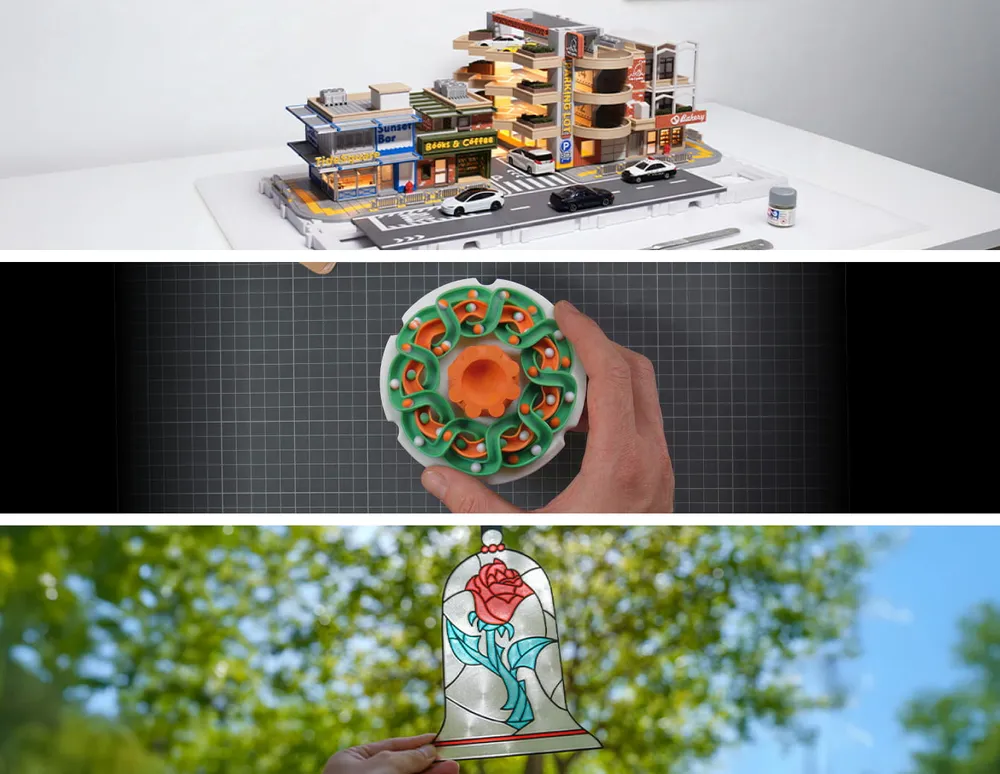
Add more color, more details and more fun.

Tough and soft. In one print

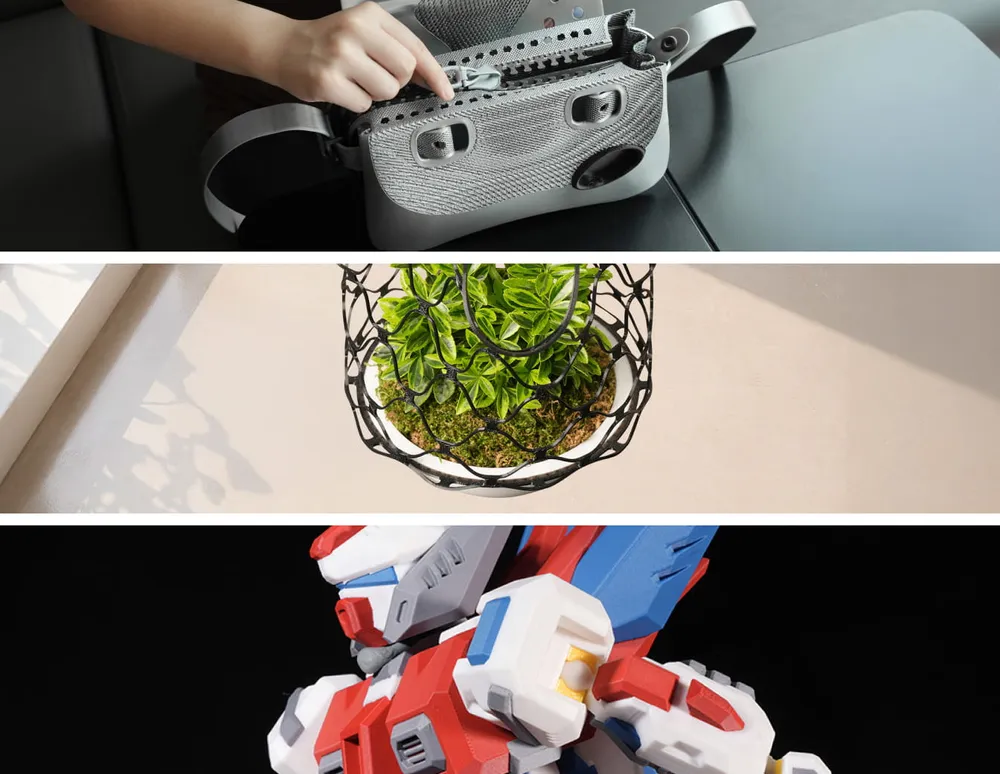
Fuse PLA and TPU in a single model. Create bags, grips, and bumpers that come off the bed ready to use.

Multi-Color Printing

Dual nozzles swap in a split second. Enjoy faster color changes, cleaner transitions, and far less waste².

Finer. Sharper. True to the design.

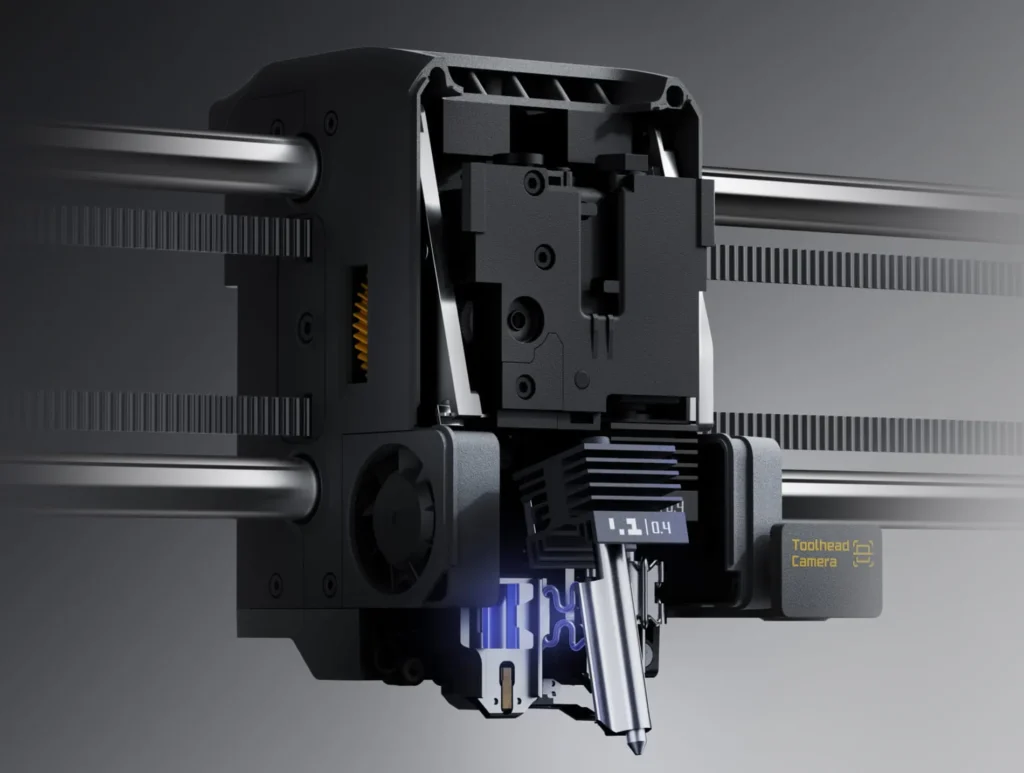
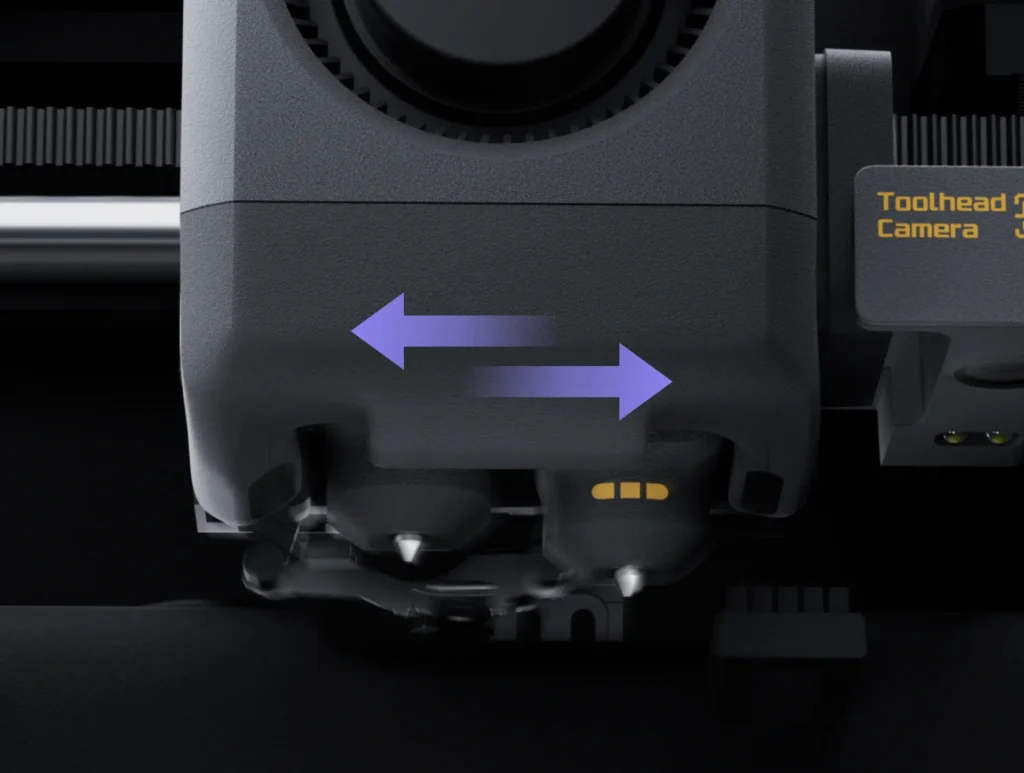
Tap. Switch. Done. Unlike traditional motor-driven systems, X2D packs aGear-and-Triggermechanism into the toolhead. The nozzle-change lever taps the trigger arm, driving an internal gear train to change the nozzle.No extra weight. Just a clean swap.

A lighter toolhead meansless inertia and vibration.Even at full speed, surfaces stay flawless - all the way to the top.

Cool it. Before gravity makes it droop.

Two intakes are always better than one.Freshly extruded filament is soft, but the X2D instantly flushes the chamber with cool air from dual left and right intakes. This constant air exchange stabilizes each layer for low-temperature filaments like PLA, cooling every line at exactly the right moment. So even on tricky angles, overhangs stay sharp and bridges stay clean.

X2D Cooling

Typical Cooling

Hot Enough Isn't Enough. Heat It Even.

The X2D pairs a 300 °C nozzle with a 65 °C actively heated chamber - hot enough for the majority of engineering filaments like ABS, ASA, and nylon. But temperature alone isn't the point -the active chamber distributes heat evenly,so layers bond strongly from edge to edge. Your large engineering prints come out strong and flat.

X2D Heating

Typical Heating

Calibration adapts to wear and material changes.

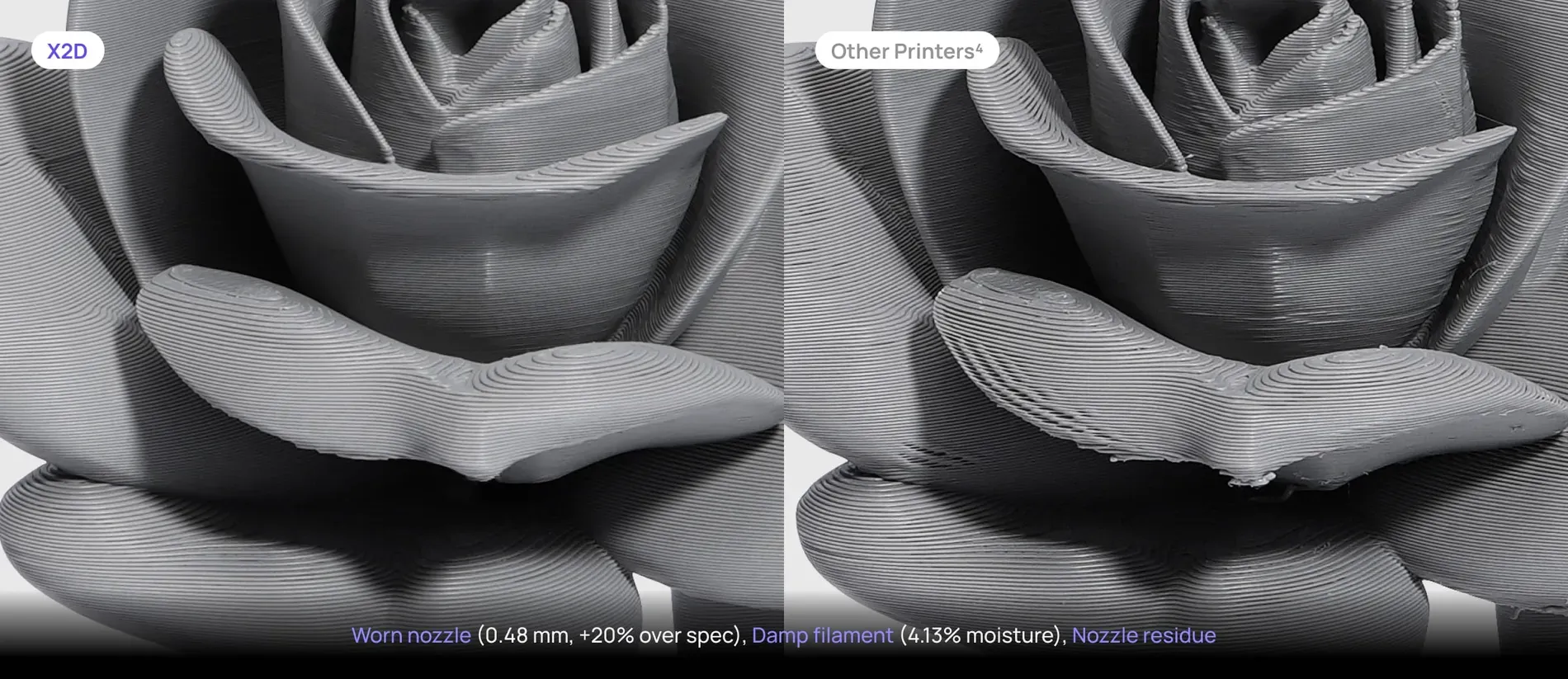
Most printers calibrate flow with a single K factor and use it in all scenarios. Bambu Lab doesn't. Flow Dynamics Calibration³ builds atime-varying,nonlinearmodel of your entire extrusion system. So whether there's minor residue inside the nozzle, gradual nozzle wear, or slightly damp filament, the system detects, calibrates, and compensates. Smooth surfaces and sharp edges stop being luck. They repeat.

PMSM Servo System: Smoother surfaces start inside the extruder.

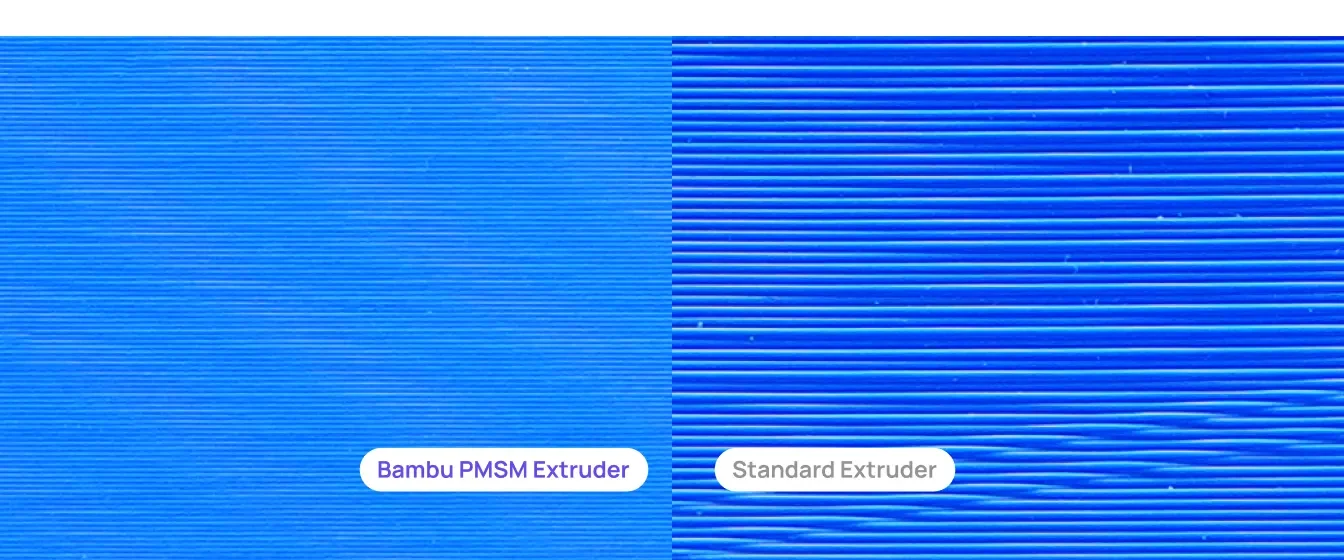
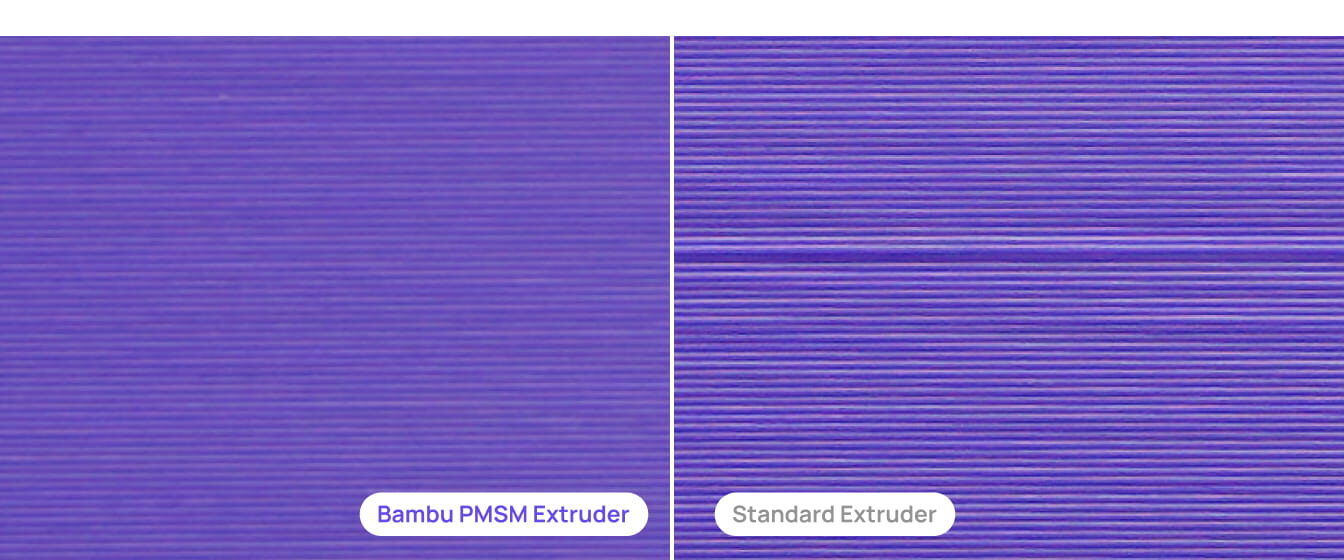
Extruder gears grind into filament as they feed it, causing small pressure fluctuations that show up as tiny lines on the surface. Exclusive to Bambu Lab,the PMSM servosystem⁵ counters this in real time. With resistance and position sampling at 20 kHz, it adjusts electromagnetic torque on the fly,smoothing out every micro-fluctuation before it reaches the surface.

Smooth surface quality.

Extrusion pressure stays precisely controlled, soflow stays stableand surface finish remains clean and uniform, print after print.

Compensation makes corners sharp and details clean.

Ringing and ghosting blur edges at high speed.Active Vibration Compensation cancels them in real time- so edges print crisp, no matter how fast.

AI Camera keeps an eye on your prints.

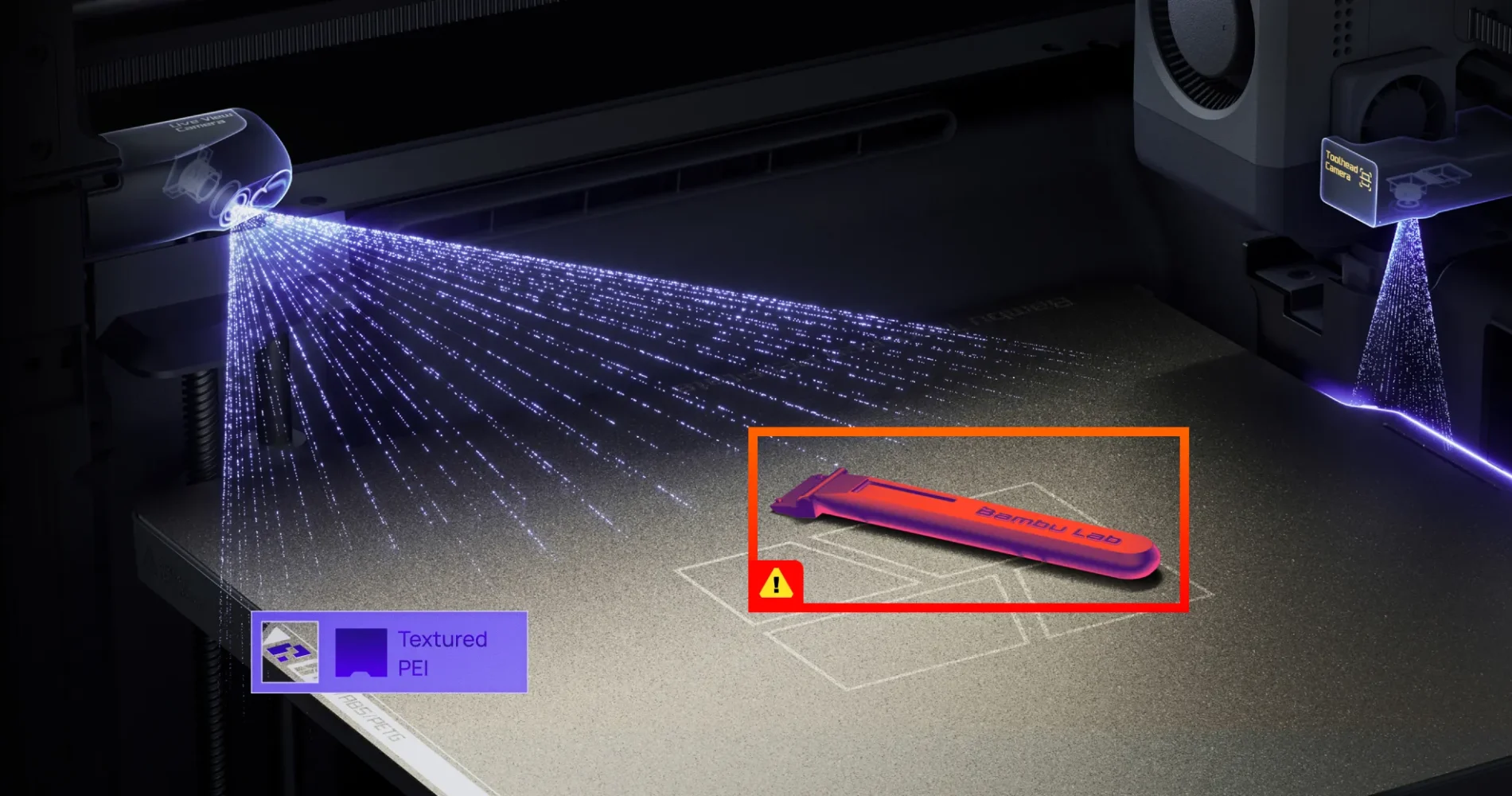
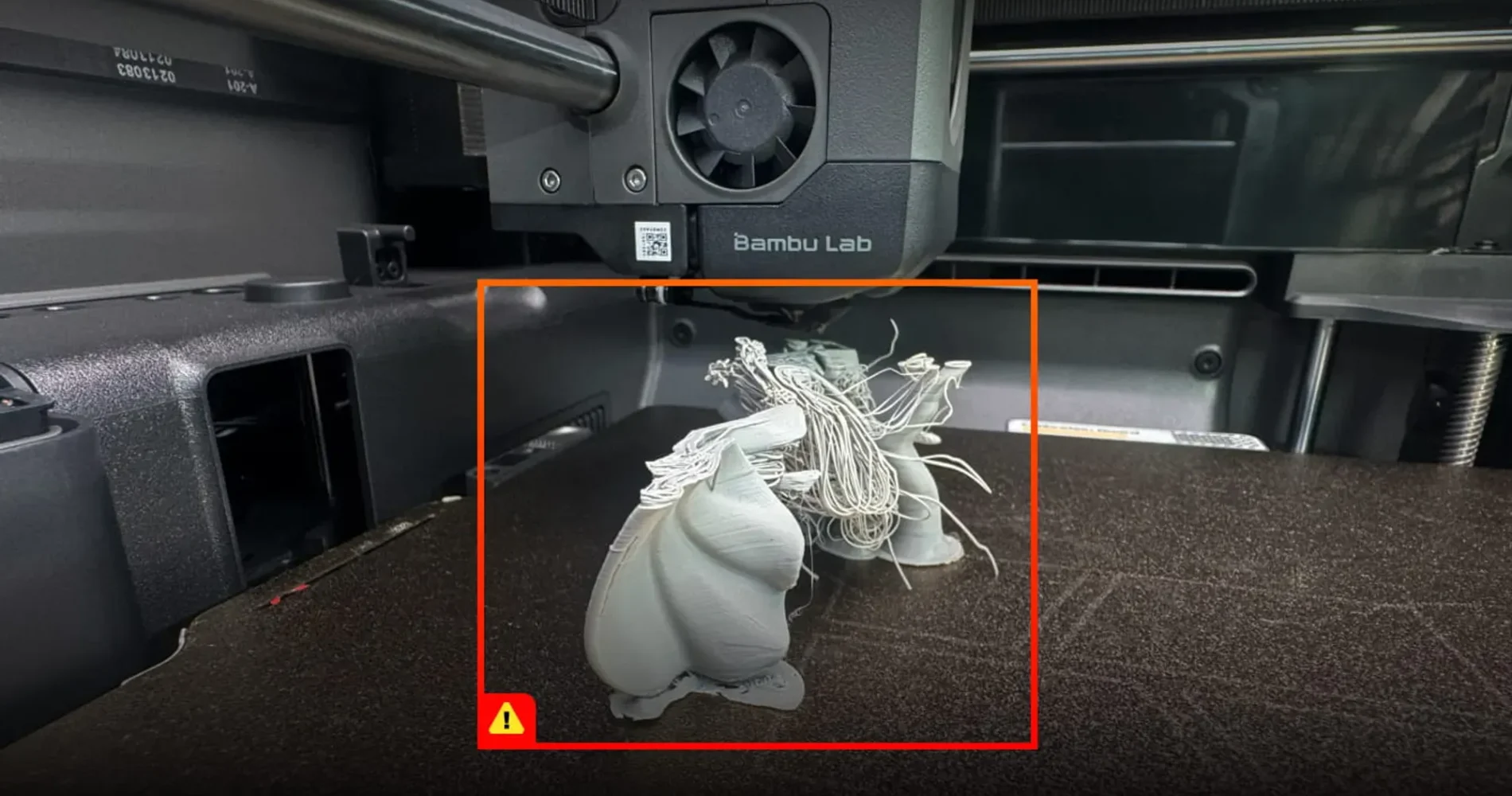
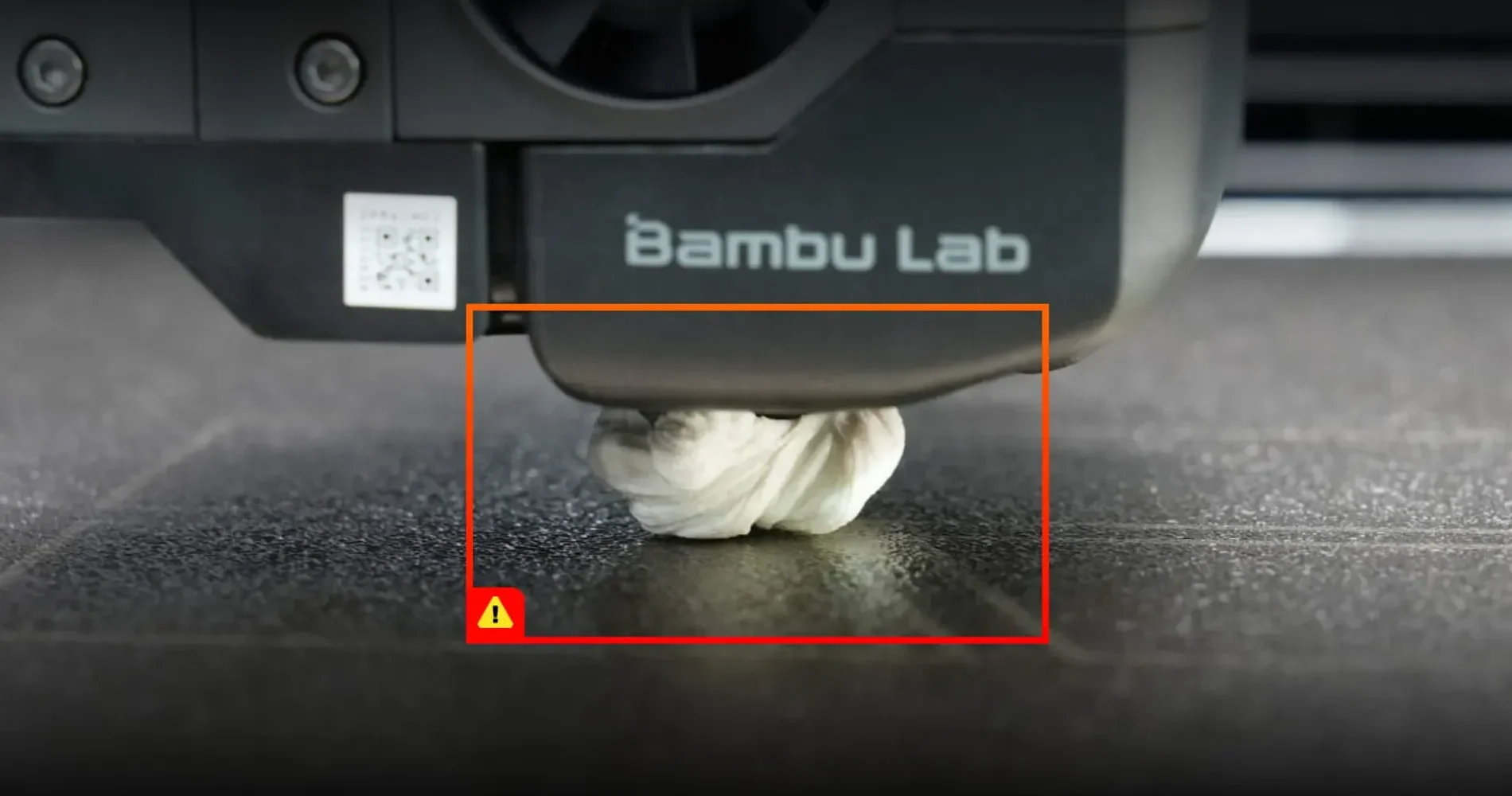
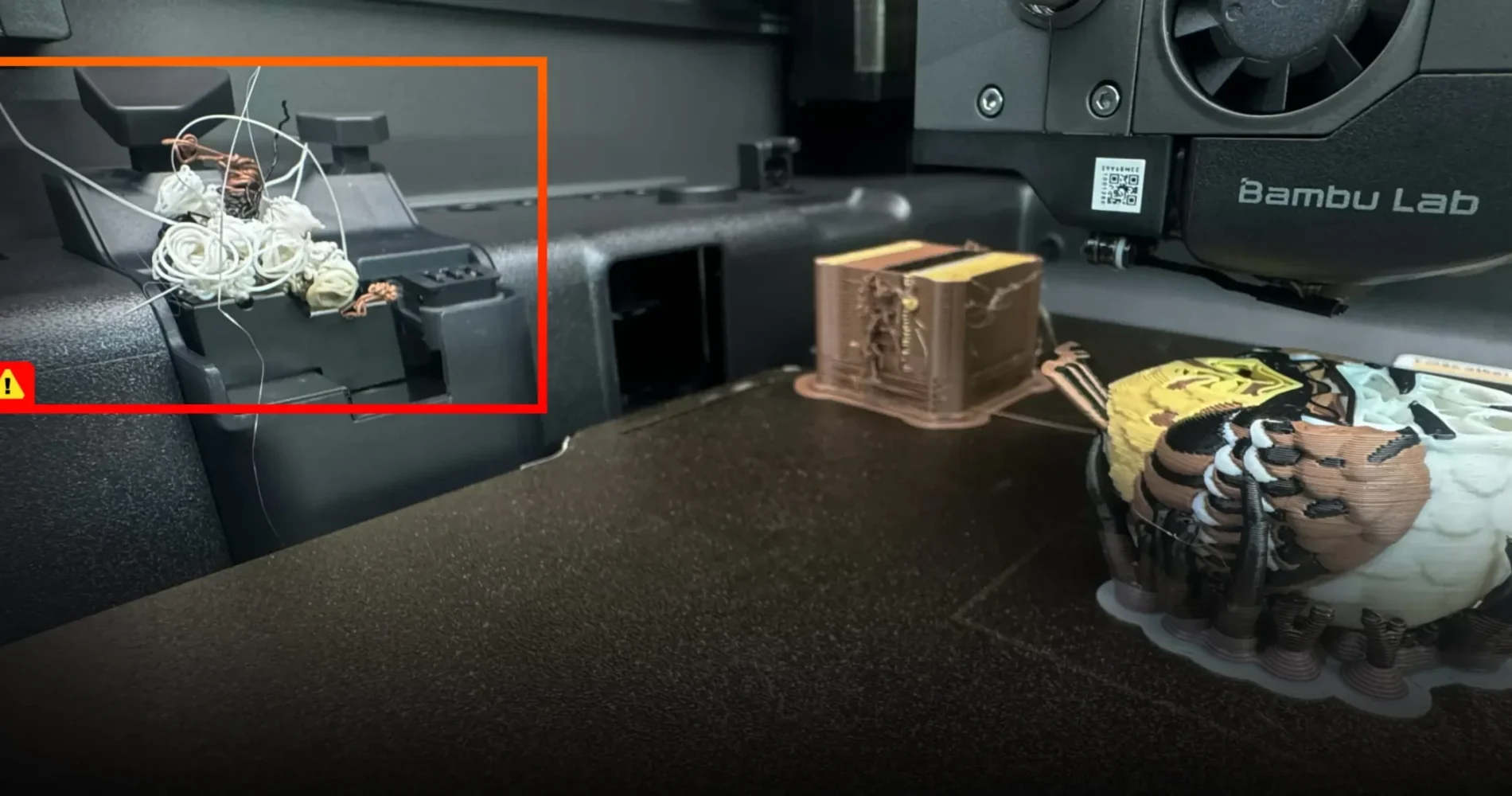
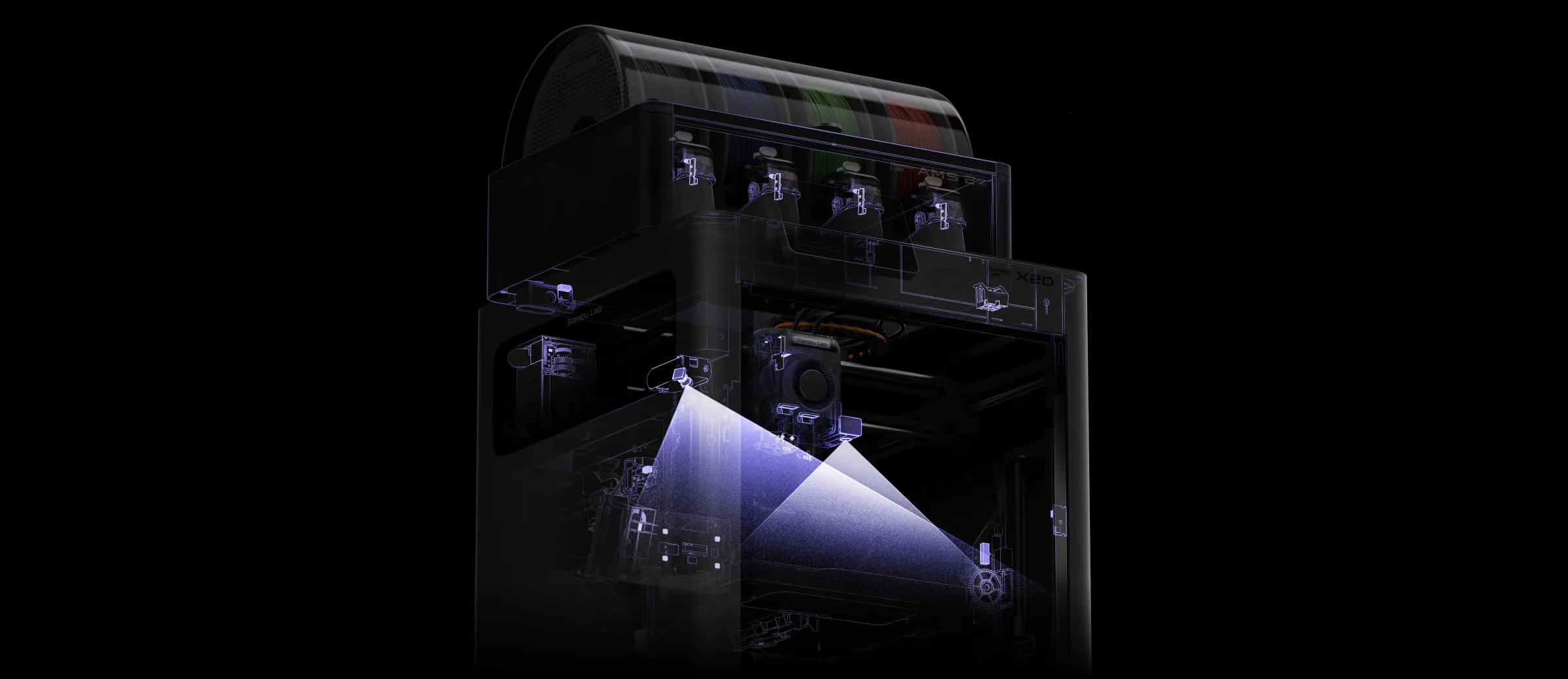
Before printing,the AI Liveview Camera and Toolhead Camera scanthe build platefor debris and verify plate placement. During printing, they watch for spaghetti, nozzle clumping, and purge-chute jams in real time - pausing the job before it wastes hours of time and filament.

Start_Check_PC
Spaghetti_MO-compressed
Nozzle_Clumping_MO-compressed
Purge_Chute_Jaming_PC-compressed

Fully-equipped sensors cover every critical stage.

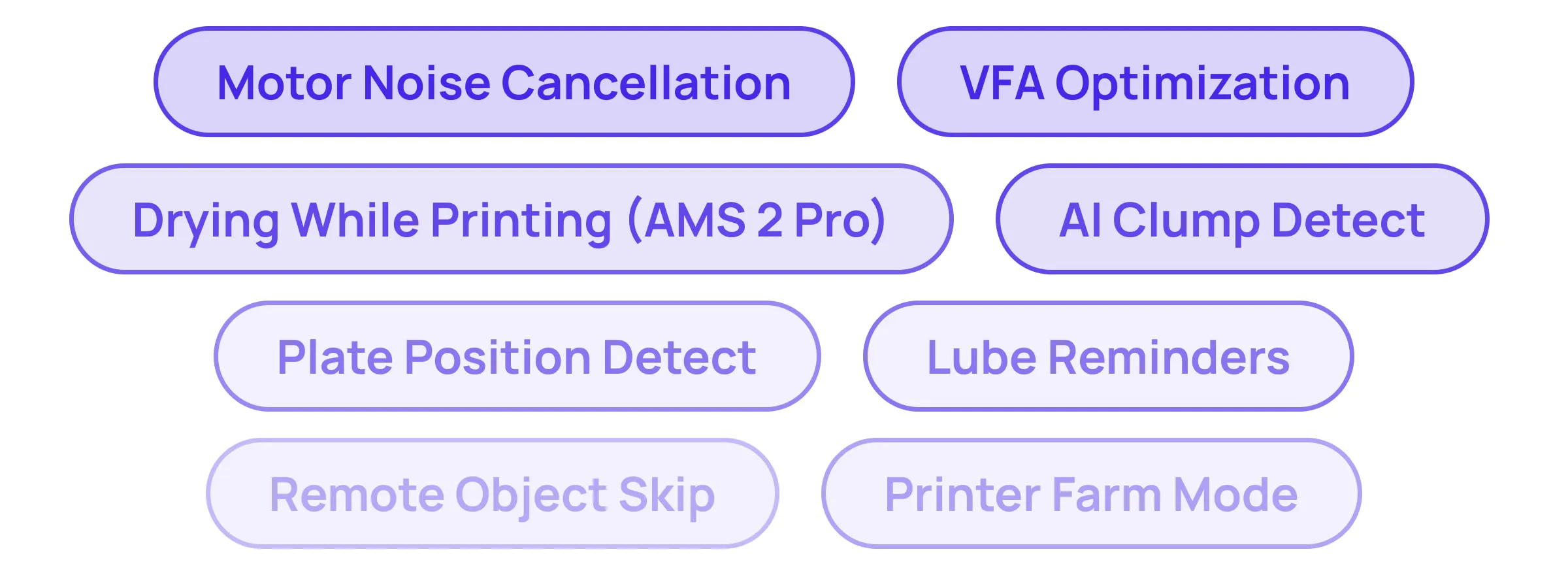
31 sensors span the entire system -,monitoring the feeding path, printing process, thermal environment, and machine safety in real time. Every variable that affects your print is measured, checked, and acted on.

Filament Path Monitoring | Thermal Control

All the must-haves for everyday use.

A printer that updates like your phone.

X2D prints beautifully the day it arrives. And it gets better with every update. Major firmware updates landroughlyevery three months⁸ -new features, better performance, all pushed straight to your machine.

Unboxing Video

What's in the box


Bambu Lab X2D


Textured PEI Build Plate


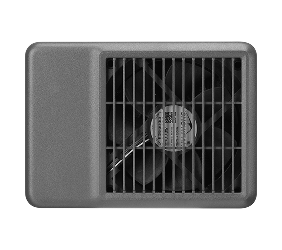
External Exhaust Fan Bundle


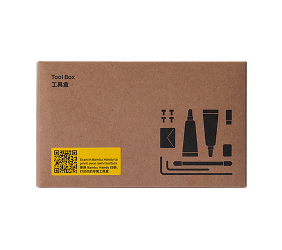
Accessory Box


Spool holder


Bambu Lab X2D


Textured PEI Build Plate


External Exhaust Fan Bundle


Accessory Box


Spool holder


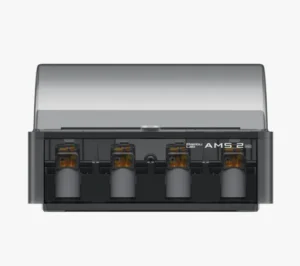
AMS 2 Pro

Bambu Lab X2D - Technical Specifications

Item Specs
Printing Technology Fused Deposition Modeling
Body Build Volume (W*D*H) Main Nozzle Printing: 256*256*260 mm³
Auxiliary Nozzle Printing: 235.5*256*256 mm³
Dual Nozzle Printing: 235.5*256*256 mm³
Total Volume for Two Nozzles: 256*256*260 mm³
Chassis Plastic and Steel
Outer Frame Plastic, Glass, and Metal
Dimensions and Weight Physical Dimensions 392*406*478 mm³
(Recommended printer space:500×700×850mm)
Net Weight 16.25 kg
(Gross Weight:
X2D 20.2 kg, X2D AMS Combo 22.2kg)
Toolhead Main Extruder Gear Hardened Steel
Main Extruder Motor Bambu Lab High-precision Permanent Magnet Synchronous Motor
Auxiliary Extruder Gear Hardened Steel
Auxiliary Extruder Motor Stepper Motor
Nozzle Hardened Steel
Max Nozzle Temperature 300℃
Included Nozzle Diameter 0.4 mm
Supported Nozzle Diameter 0.2 mm, 0.4 mm, 0.6 mm, 0.8 mm
Filament Cutter Built-in
Filament Diameter 1.75 mm
Heatbed Supported Build Plate Type Textured PEI Plate, Smooth PEI Plate, Cool Plate SuperTack, Engineering Plate
Max Heatbed Temperature 120℃
Speed Max Speed of Toolhead 1000 mm/s
Max Acceleration of Toolhead 20,000 mm/s²
Max Flow for Hotend
(Standard Flow Hotend)
40 mm³/s (Test parameters: 250 mm round model
with a single outer wall;
Bambu Lab ABS; 280 °C printing temperature)
Max Flow for Hotend
(Optional High Flow Hotend)
65 mm³/s (Test parameters: 250 mm
round model with a single outer wall;
Bambu Lab ABS; 280 °C printing temperature)
Chamber Temperature Control Active Chamber Heating Supported
Max Temperature 65℃
Air Purification Pre-filter Grade G3
HEPA Filter Grade H12
Activated Carbon Filter Type Granulated Coconut Shell
VOC Filtration Supported
Particulate Matter Filtration Supported
Cooling Part Cooling Fan Closed Loop Control
Auxiliary Part Cooling Fan Closed Loop Control
Chamber Heat Circulation Fan Closed Loop Control
Cooling Fan for Hotend Closed Loop Control
Main Control Board Fan Closed Loop Control
Chamber Exhaust Fan Closed Loop Control
Filament Supported Main Hotend PLA (excluding PLA Aero), PETG, ABS, ASA, TPU for AMS, Support for PLA, Support for PLA/PETG, Support for ABS, Support for PA/PET, PET, PA, PC, PVA; Carbon/Glass Fiber Reinforced PLA, PETG, ABS, ASA, PA6, PAHT, PET
Auxiliary Hotend PLA (excluding PLA Aero), PETG, ABS, ASA, TPU for AMS, Support for PLA, Support for PLA/PETG, Support for ABS, Support for PA/PET, PET, PA, PC, PVA; Carbon/Glass Fiber Reinforced PLA, PETG, ABS, ASA, PA6, PAHT, PET
Auxiliary Hotend (print with caution¹) PLA Silk, PETG-CF, ASA-CF, PA6-CF, TPU for AMS, Support for PA/PET
Sensor Live View Camera Built-in; 1920*1080
Toolhead Camera Built-in; 1600*1200
Door Sensor Supported
Filament Run Out Sensor Supported
Filament Tangle Sensor Supported
Filament Odometry Supported with AMS
Power Loss Recovery Supported
Electrical Requirements² Voltage High-voltage version: 200-240 VAC, 50/60 Hz
Low-voltage version: 100-120 VAC , 50/60 Hz
Max Power³ High-voltage version: 1600 W@220 V
Low-voltage version: 1100 W@110 V
Steady-State Power High-voltage version:
PLA(25℃):250W@220V
PC(25℃):550W@220V
Low-voltage version:
PLA(25℃):250W@110V
PC(25°C):550 W@110 V
Please purchase the version corresponding to your region's voltage. Using the Printer in different regions, you may need to purchase a transformer accordingly.
Environment Requirements Working Temperature 10℃-30℃
Electronics Touchscreen 5-inch 1280*720 Touchscreen
Storage Built-in 8 GB EMMC and USB Port
Control Interface Touchscreen, mobile App, PC App
Motion Controller Dual-core Cortex-M4 and Single-core Cortex-M7
Application Processor Quad-core ARM with dedicated NPU
Software Slicer Bambu Studio
Supports third-party slicers which export standard G-code, such as Super Slicer, PrusaSlicer and Cura, but certain advanced features may not be supported.
Supported Operating System MacOS、Windows、Linux
Network Control Ethernet Not Available
Wireless Network Dual-Band Wi-Fi
Network Kill Switch Not Available
Removable Network Module Not Available
802.1X Network Access Control IEEE 802.11 a/b/g/n
Wi-Fi Operating Frequency 2412 - 2472 MHz,5150 - 5850 MHz(FCC/CE)
2400 - 2483.5 MHz、5150 - 5850 MHz (SRRC)
Wi-Fi Transmitter Power (EIRP) 2.4 GHz:< 23 dBm (FCC);< 20 dBm (CE/SRRC/MIC)
5 GHz Band1/2:< 23 dBm (FCC/CE/SRRC/MIC)
5 GHz Band3: < 30 dBm (CE);< 24 dBm (FCC)
5 GHz Band4: < 23 dBm (FCC/SRRC);< 14 dBm (CE)
Wi-Fi Protocol IEEE 802.11 a/b/g/n

1)For optimal print quality, please use the main hotend to print these filaments. 2)The printer’s voltage specifications vary by sales region. Before use, please check the label next to the power socket on the printer to ensure the supplied voltage matches the indicated voltage. 3) To ensure the heatbed quickly reaches the needed temperature, the printer will maintain maximum power for about 3-5 minutes.

Download PDF

Product Variation Notice

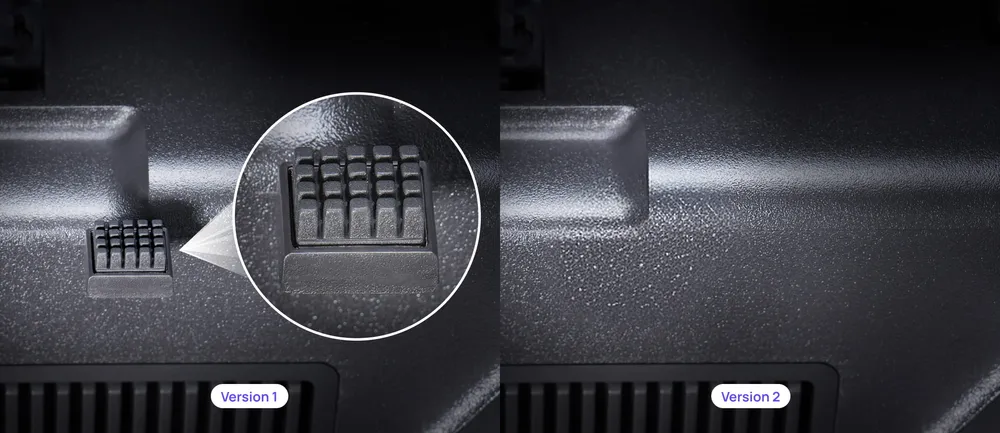
Depending on the production batch, your X2D may or may not include a silicone wiper near the nozzle-switching area. Its function has since been replicated through a software update, so both versions perform identically.

  1. In actual testing, print quality from the auxiliary nozzle is slightly lower than that of the main nozzle.
  2. Recommended to use official Bambu Lab filaments with the auxiliary nozzle, especially official PLA for model printing. Third-party filaments on the auxiliary nozzle may not deliver optimal print quality. For a full list of compatible materials, refer to the Spec Sheet.
  3. Flow Dynamics Calibration on X2D applies to the main nozzle only.
  4.  "Other Printers" shown for illustrative purposes only. Results may vary by printer model and configuration; not all printers exhibit this behavior.
  5. PMSM servo motor is equipped on the main extruder only.
  6. For optimal performance, replace filters according to the recommended maintenance schedule.
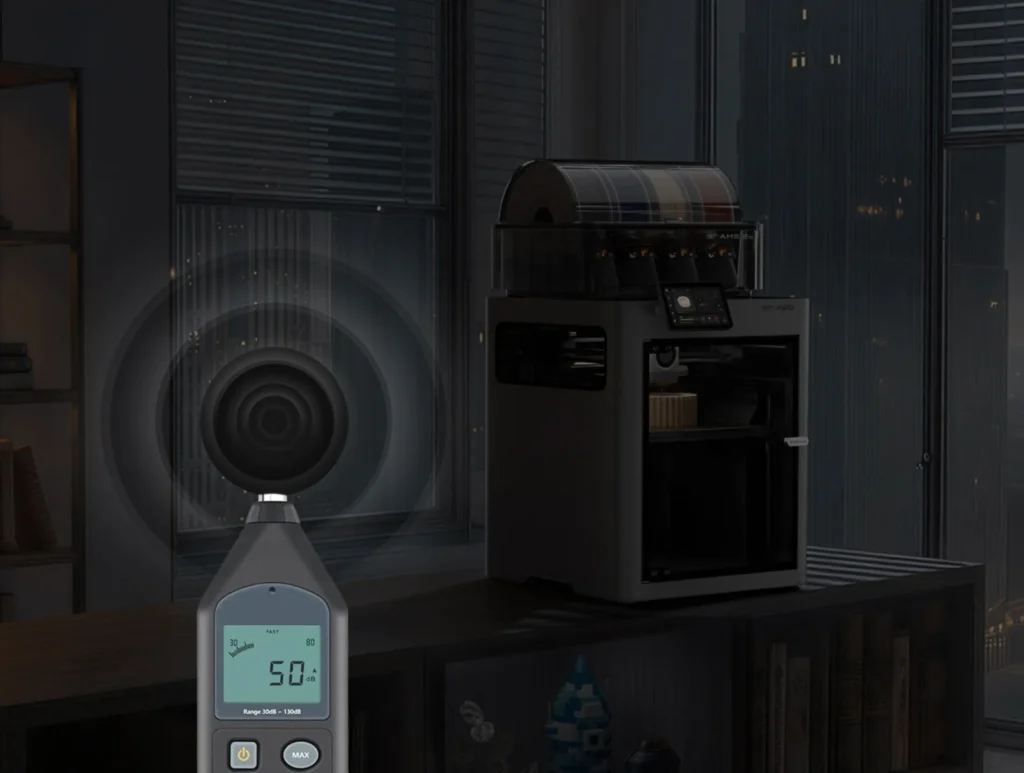
  7. Suitable for overnight printing when the printer is placed in a separate room from the sleeping area. Individual noise perception may vary.
  8. Based on the average update cadence across Bambu Lab printers. Actual timing may vary.
  9. X2D features a main nozzle and an auxiliary nozzle with different filament capabilities. See Spec Sheet for full compatibility details.
  10. Creator projects are provided for illustrative purposes only. Bambu Lab does not endorse, and disclaims any representations or warranties regarding creator projects, including, without limitation, the safety, marketability, or usability of any 3D printed works based on such projects. See our Terms of Service for more information.
  11. All product data for the X2D is based on Bambu Lab's internal testing. Actual results may vary due to individual product differences, user habits, and environmental conditions. Please refer to actual usage for reference.
  12. Big thanks to everyone who created these amazing projects: X Armor, Battle Suit of the Bicycle Knight - MWH @sarwtin; Wanderer of the Sand Sea @CrazyJN; Zodiac of The Horse:Ironsoul @SophieXi; Formism Arc Package - Sneaker @FORMISM; Coral Jade·Hunting Recurve Riser @SophieXi; SVEINS ZIP 1 @riccky.svg; Net Planter @Beeaver; Heavy Second Core Mecha by @Kit Crafters; TideSquare @LimeStar; Marble Track Zoetrope Spinner & Tea Cups Zoetrope Spinner @aPyroDesign; Beauty and the Beast Rose Suncatcher Stained Glass @jamisonusmc; Duality Faces Sculpture @Sculturissimo3D; Go-Kart @2040085396 (大琢磨); Rose @Crow_ck; 2026 Year of the Horse Decorative Ornament @Ansuz; Chevrolet Camaro RS/SS Kit Card @theKitCardGuy.

FAQ

1.What is the maximum print speed and acceleration of the X2D?

When printing with the main nozzle, the maximum movement speed is 1000 mm/s and the maximum acceleration is 20,000 mm/s².

2.Are the left and right hotends identical?

Yes, the left and right hotends are identical in structure and components, and can be used interchangeably between left and right positions.

3.What is the function of the chamber exhaust fan on the X2D's rear panel?

It actively extracts air from the chamber. In Cooling Mode (PLA and other low-temp filaments), it works with the adaptive airflow system to dissipate heat and expel fumes. After printing high-temp filaments, enable "Purify Air At Print End" to clear residual fumes - optionally routing them outdoors via a ventilation pipe.

4.What is the maximum number of AMS units the X2D can connect to?

Single hotend: Supports up to 4 AMS 2 Pro and 8 AMS HT units (12 units total, 24 slots).
Dual hotends: Enables up to 25-color printing when combined with the maximum AMS configuration.

5.The buffer of the X2D has two 6-pin ports on top. Does it support connecting two AMS/AMS 2 Pro/AMS HT units simultaneously?

No. The two ports serve different purposes: One is for connecting AMS/AMS 2 Pro/AMS HT. The other is for connecting the chamber exhaust fan.
To connect multiple AMS units, daisy-chain them using 6-pin cables.

6.Can X2D use the AMS hub?

Incompatible. The interface types are different.

7.Is the X2D's build plate compatible with those of X/P/A series printers?

The X2D supports all current Bambu Lab 256×256 mm build plates. It does not recognize 1st-generation build plates. If the printer fails to detect the build plate type, manually select "Ignore" or disable build plate detection in the on-screen settings.

8.Does the X2D support high-flow nozzles?

Yes. High-flow hotends maintain print quality while significantly increasing print speed, reducing print time by up to 30% compared with standard nozzles.

9.What's the advantage of having two extruders?

The main extruder (in the toolhead) handles precise flow control. Auxiliary Extruder (Mounted on the top of the rear panel): As a remote extruder, it feeds filament from the buffer to the toolhead through a PTFE tube, effectively saving toolhead space and maximizing available print volume.

10. Does the X2D require an external power supply to use the dry filament function when connected to the AMS 2 Pro?

Connect the printer to a single AMS 2 Pro using a 6-pin cable to use the drying function of the AMS 2 Pro when the entire unit is in standby mode. During drying, print-related functions will be paused. If you need to dry filaments in multiple AMS 2 Pro units simultaneously, you must purchase additional official Bambu Lab power adapters to power the remaining AMS 2 Pro units. Power Adapter Parameters: Input Voltage Range AC 100-240V 50/60HZ Output 24V/4A 96W Please refer toAMS 2 Pro for details.

Shopping Cart
Scroll to Top

登入賬號